Using the file with your laser software
Laser programs such as LightBurn, xTool Creative Space, Glowforge’s app and the software that ships with Epilog and Trotec machines all import SVG. We do not certify against each one, so here is how to check yours.
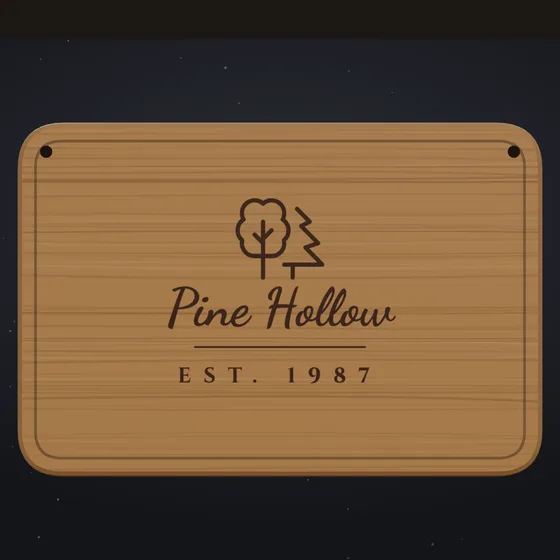
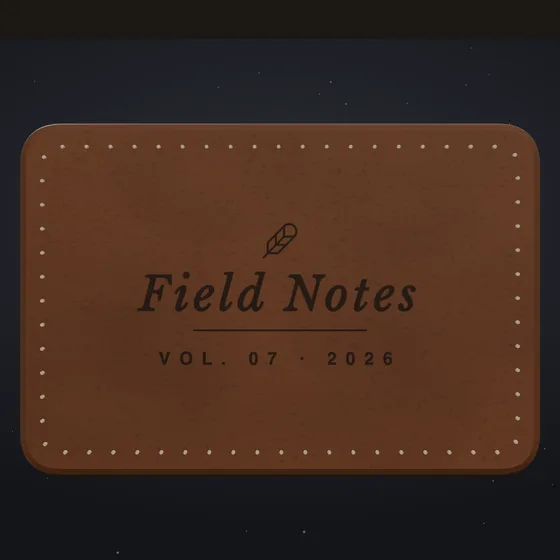
What to verify on import
- Size: the file declares its size in millimetres. If the program shows a different size, change the SVG import resolution.
- Layers: black artwork and a red “cut” group arrive as separate colours; map them to engrave and cut operations.
- Fills: black areas should be filled shapes. If your program treats them as outlines, switch the operation to fill.
- Position: the artwork is placed from the top-left corner of the file; check where your software puts the origin.
Why we do not list per-brand steps
Menus and defaults change between versions, and we only claim what the file contains. If a program imports it at the wrong scale, the cause is almost always the SVG DPI setting, not the file.
Settings
Power, speed, passes, line interval and focus belong to the material and the machine. Run a test grid on an offcut.
Blanks that suit this
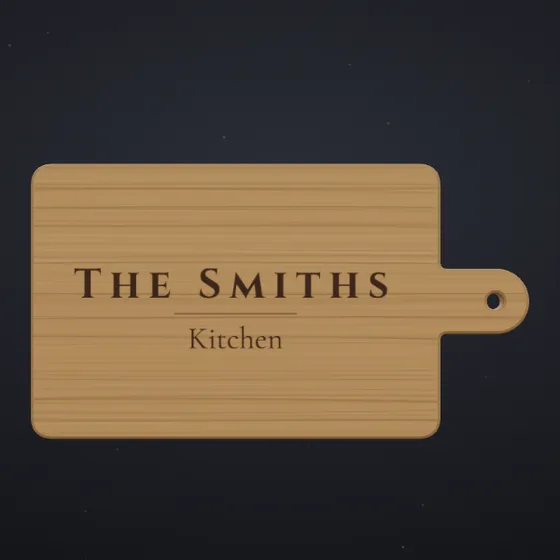 Cutting board
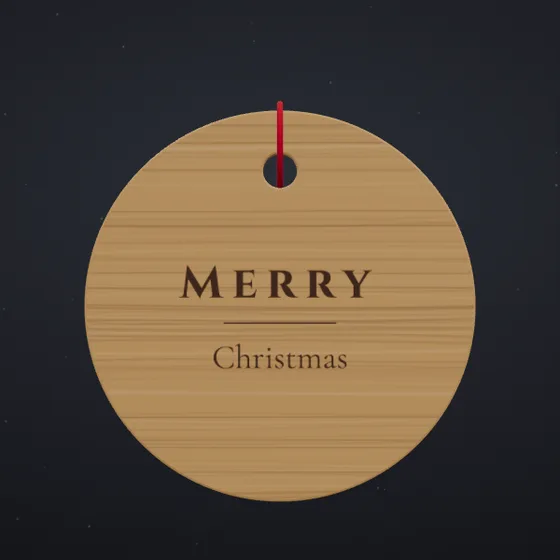 Christmas ornament
Related pages
 A laser-ready SVG for CO2 lasersWhat the studio’s laser-ready SVG contains: black engraving artwork, a red cut outline and real millimetre size. How to…
 Files for fiber laser markingPreparing a design for a fiber laser: what the laser SVG provides, what to ask the marking shop and how to size small…
- Nesting many parts on one sheetHow to gang many copies of a design on one sheet for laser cutting: sheet size, margin, gutter and copies, then export a…
Free to start, no account needed. Preview in 3D and export a true-size file.
Export for your laser