How Engraving Studio works
Four steps from a blank material to a file you can send to a machine.
The steps
- Pick a material. It sets the real size, the finishes and the 3D shape.
- Compose: text in 47 fonts, about 244 shapes, about 1,260 motifs, QR codes, barcodes, DataMatrix and your own images.
- Choose a finish and preview the result in 3D.
- Export: SVG, transparent PNG or PDF, a laser-ready SVG and a sheet layout.
What is free and what is Pro
You can design and export a PNG without an account. Pro adds watermark-free SVG and PDF export, 1200 DPI and premium materials. The pricing page has the details.
Where the work happens
In your browser. The editor needs no installation. Saved designs and shared links use an account or a short-lived share code; the studio does not drive any machine.
Blanks that suit this
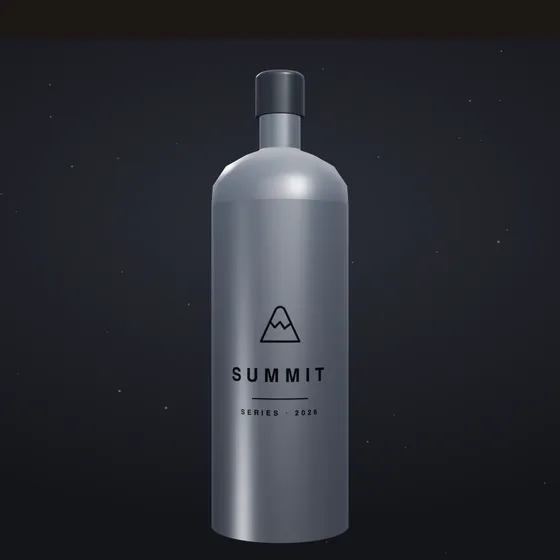 Steel bottle
Related pages
- Design an engraving, by materialDesign engravings for 23 materials: mug, oak, slate, glass, brass, leather, acrylic, bamboo, steel, porcelain, cork,…
 Laser-ready engraving filesWhat Engraving Studio’s laser files contain and how to use them with CO2 and fiber lasers and common laser software.…
 Engraving and laser guidesPractical guides: preparing an SVG for a laser, choosing fonts, minimum line widths, raster vs vector, QR codes that…
Free to start, no account needed. Preview in 3D and export a true-size file.
Open the studio