Nesting many parts on one sheet
If you are making ten of something, lay them out once and cut once. The studio’s nesting tool does the packing.


Steps
- Finish the design for one part and check its size.
- Open “Nest on a sheet” and choose a sheet size or enter a custom width and height in millimetres.
- Set the margin and the gutter between parts.
- Choose how many copies, or fill the whole sheet; the tool tells you how many fit.
- Export the laser SVG for the machine, or a PNG proof to check the layout.
What it does and does not do
It places identical parts in a simple row-and-column grid. It does not rotate parts or mix different parts. That makes the layout predictable; for irregular shapes a dedicated nesting program packs tighter. It is a Pro feature.
Blanks that suit this
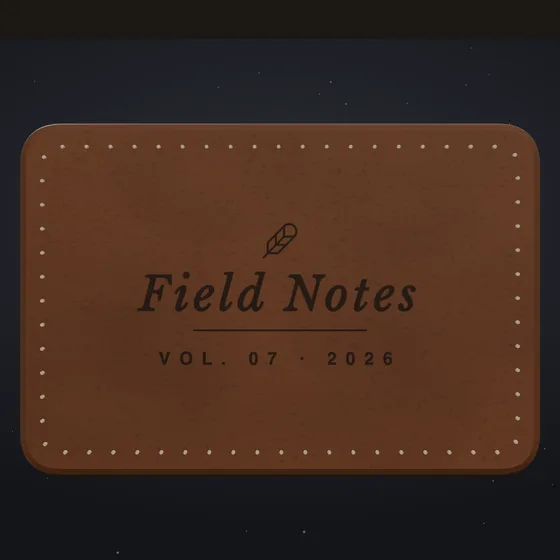 Leather patch
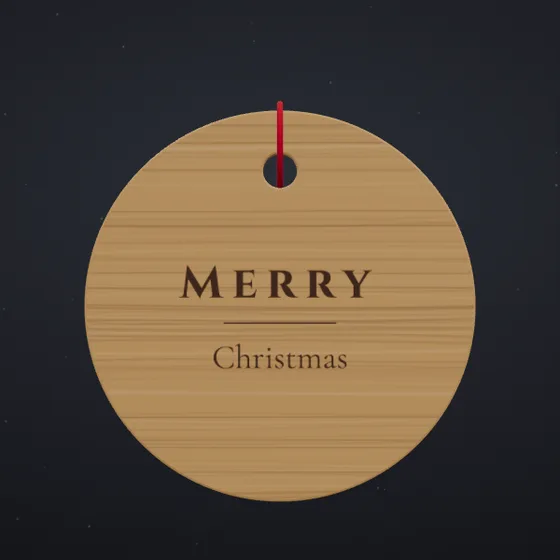 Christmas ornament
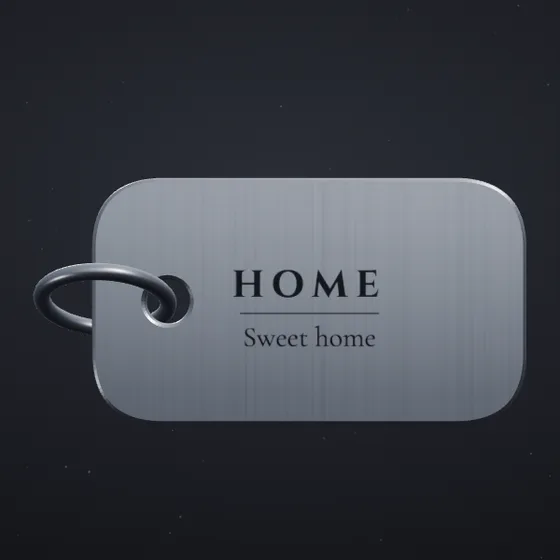 Key ring fob
 Pet tag
Related pages
 For shops and makers
Free to start, no account needed. Preview in 3D and export a true-size file.
Nest a sheet