Turn raw materials into heirlooms.
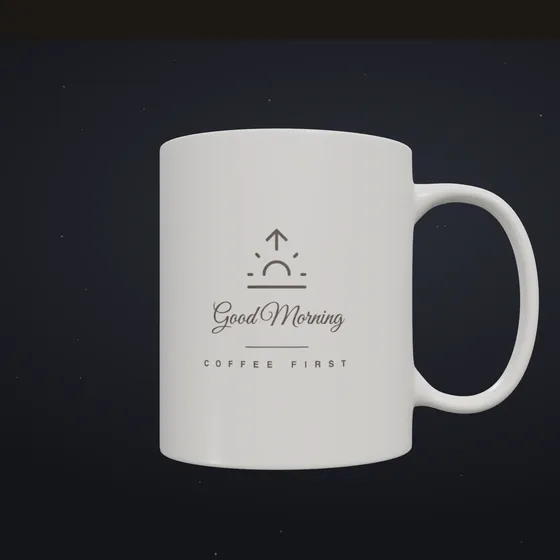
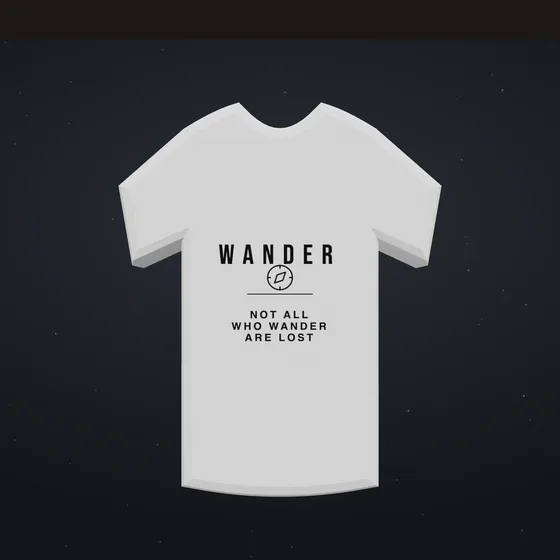
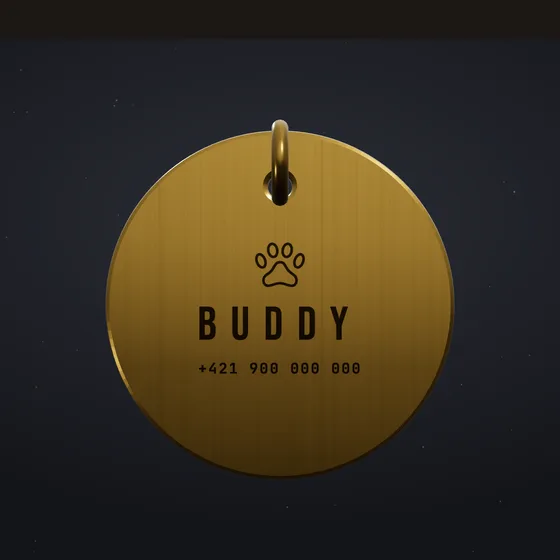
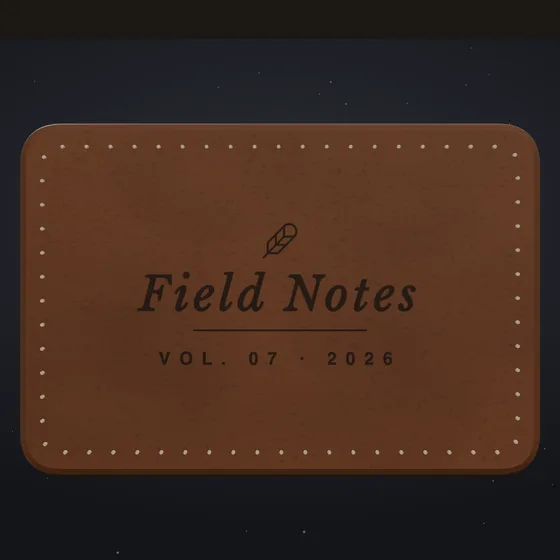
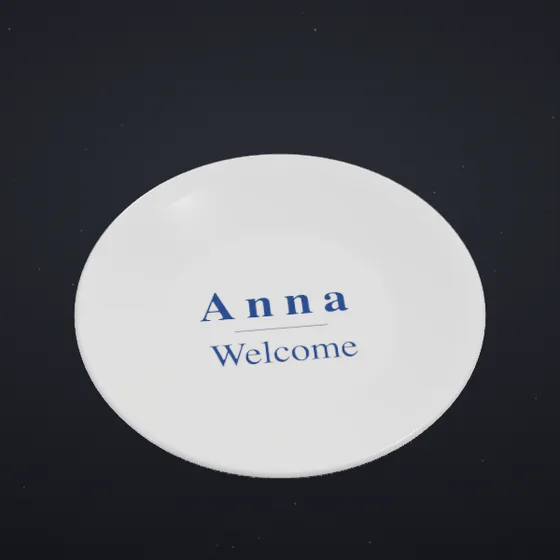
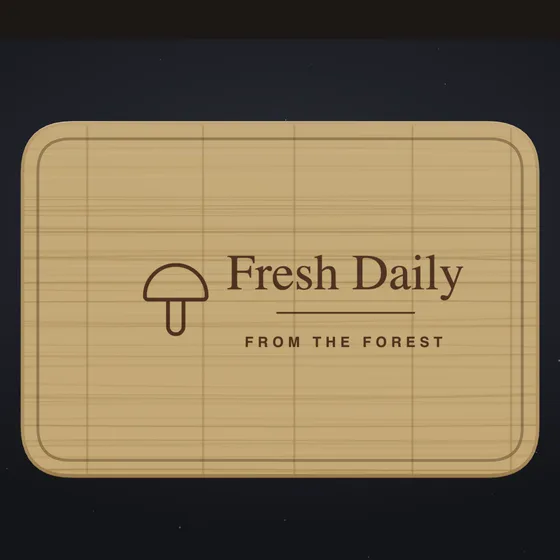
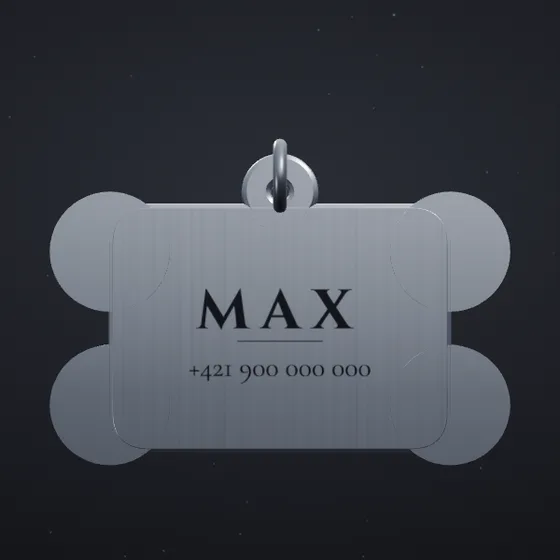
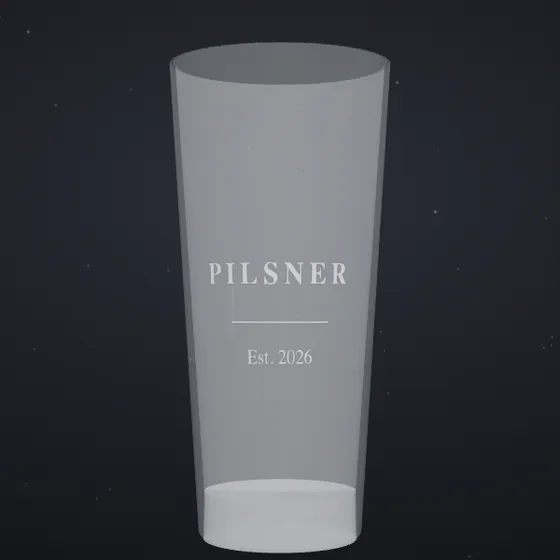
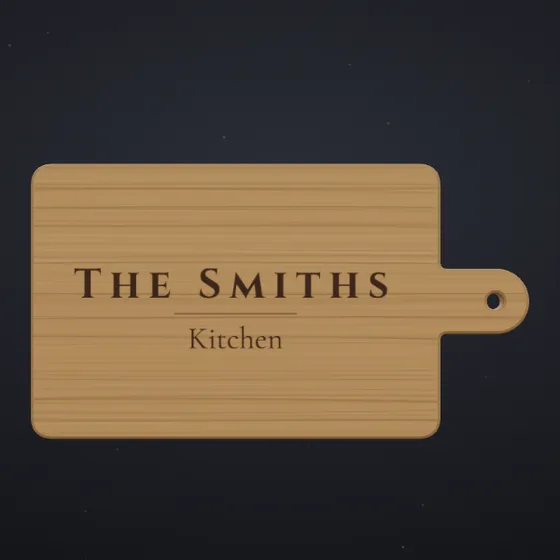
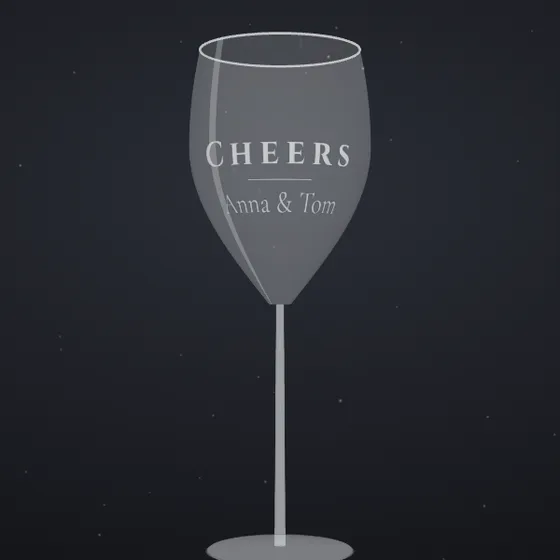
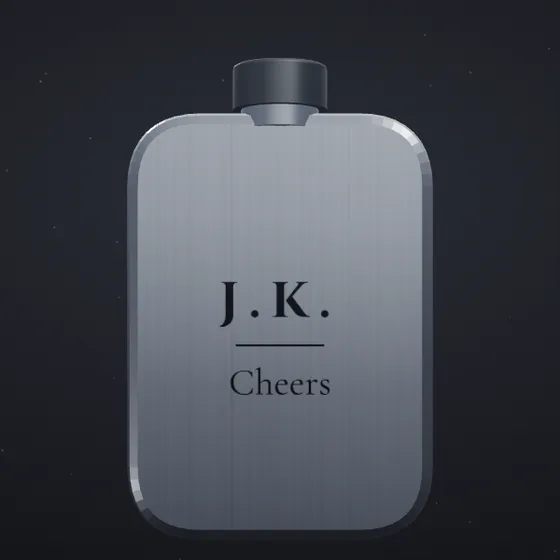
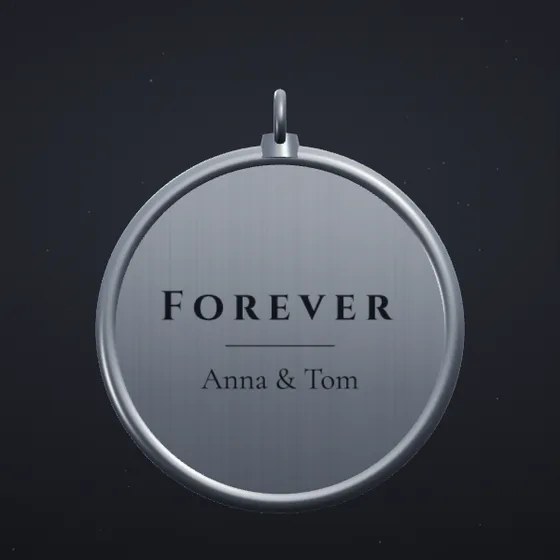
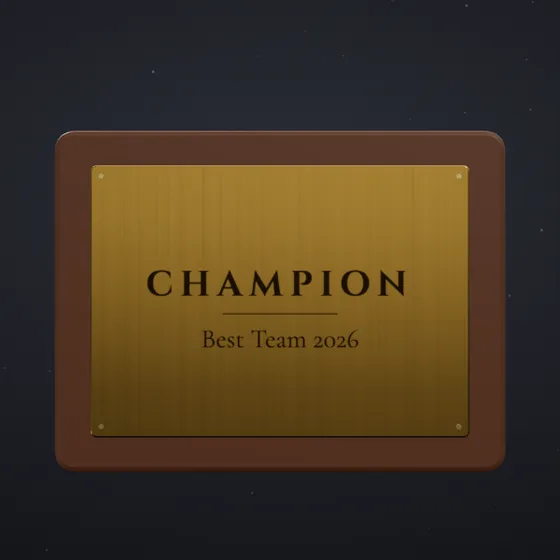
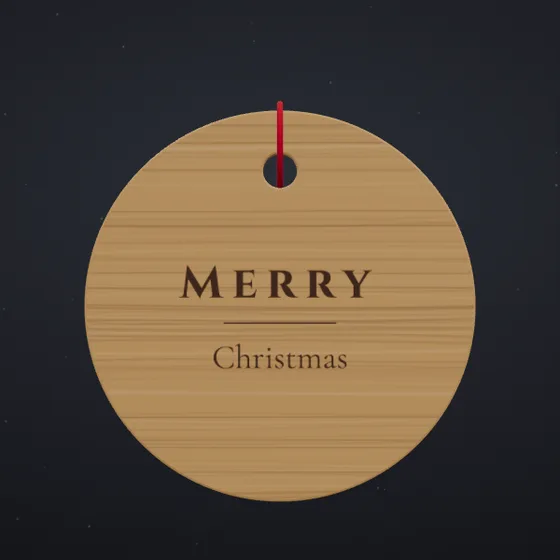
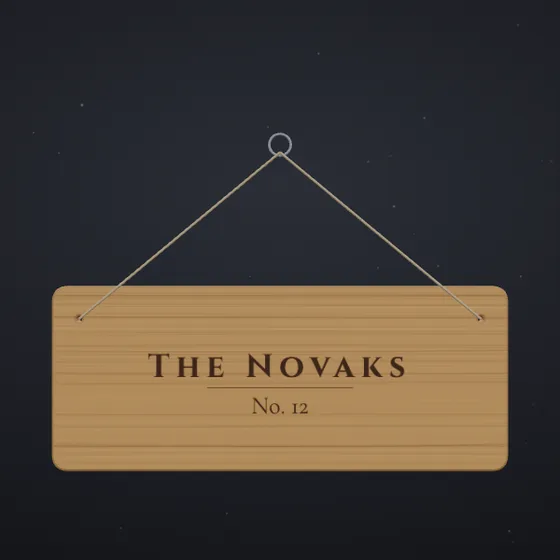
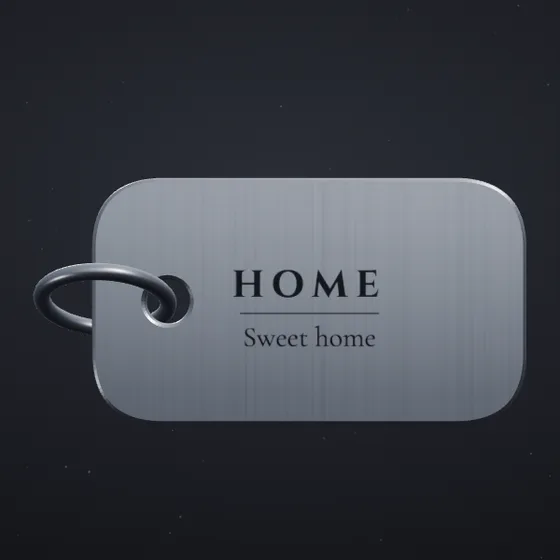
A dedication, a date or a monogram, cut into wood, glass, metal and leather. Compose your design in our editor and see it instantly on a real object.
The editor itself, not a mock-up.
Real screenshots of the studio and its 3D preview, taken from the build you can open today.


From sketch to burn.
Three passes from a blank plate to a file the machine can read. Each one is shown on the real object before the laser ever runs.


One line is enough to make it theirs.
Pricing
Design and export without an account. Upgrade when the file has to go to a laser, a CNC or a client.
No account, no card
€0
- The full editor, standard materials and finishes
- PNG export up to 600 DPI, with a watermark
- 20 motifs from the library
- 3D preview and cloud saves with a free account
€6.42 per month
Billed €76.99 a year
- No watermark · 1200 DPI · SVG/PDF export
- Full library of motifs, shapes and templates
- Premium materials — wood, slate, brass, steel
- 3D turntable export and batch export
- Priority support and new motifs every month
Billed in EUR through Stripe. Cancelling keeps Pro active until the end of the period you have already paid for.
Answered plainly.
The questions we get asked most. Still stuck? Write to info@engraving-studio.com.
Yes. Designing and PNG export up to 600 DPI are free and need no account. A free account adds the 3D preview and cloud saving. Pro removes the watermark, adds SVG and PDF, 1200 DPI with crop marks, plus premium materials and motifs.
No. Open the studio and start designing straight away. An account — still free — is needed for the 3D preview, for saving designs to the cloud, for sending an approval link and for publishing a template.
Transparent PNG up to 600 DPI on the free plan. Pro adds SVG, PDF and 1200 DPI, plus a laser-ready SVG and a nested sheet layout for cutting several pieces at once.
Wood, glass, metal, leather, ceramic, slate, cork, acrylic, bamboo and textile — thirteen products in all, each with its real dimensions in millimetres and its own engraving finishes.
Yes. Upload an image and place it like any other element. Pro adds automatic vectorisation and background removal, so a photo becomes a clean engraving.
No. Engraving Studio runs entirely in your browser. The 3D preview needs WebGL, which every current desktop browser supports.
Yes. You position every element in real millimetres against the material’s work area, and the SVG and PDF carry those dimensions in the file. Drop it into your laser software at 100 % and it measures what you drew.
If your software imports SVG or PDF, yes. Exports are plain vector files with no proprietary wrapper, and Pro adds a laser-ready SVG with the engraving separated from the cut outline.
A Pro export made for laser software. Every engraved layer is solid black, a red hairline marks the cut outline, and the file is sized in millimetres, so it imports at the real part size.
Yes. QR codes, DataMatrix and barcodes are part of the free editor. Enter the content, place the code like any other element, and it is exported together with the rest of the design.
Yes. Publish a design as a personalisable template. Your customer opens its link, types their own text, previews the result and downloads a print-ready file, with no account needed.
Yes. Send an approval link from a free account. The customer opens it without registering and either approves the design or requests changes, and you see their decision.
Yes. Pro is billed monthly or yearly in EUR through Stripe. Cancelling keeps Pro active until the end of the period you have already paid for, and you can resume before then.
In the EU. Designs are edited in your browser, and accounts and designs you save to the cloud are kept in storage pinned to the EU, which keeps your data under GDPR.