For shops and makers
If you sell engraved pieces, these are the parts of the studio built for that workflow.
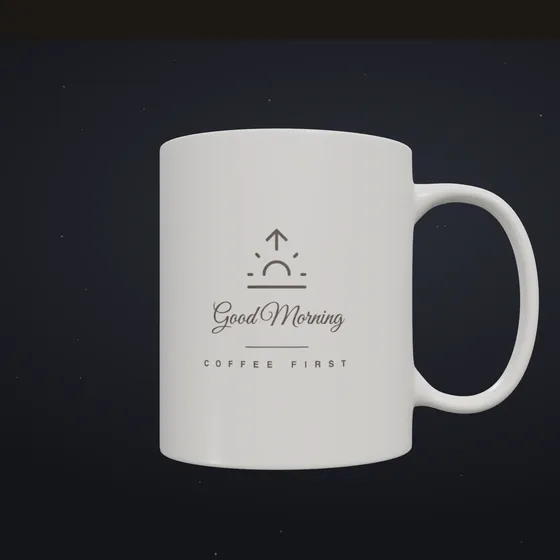

Personalisable templates
Publish a design as a template and mark which layers a buyer may change (a name, a date, a code). The buyer opens a share page, fills in their own text, sees a live preview and downloads a file. No account is needed for the buyer. Marking templates as personalisable is a Pro feature.
Share and embed
The buyer page for each template is designed to be embedded in an iframe on your own shop. Every personalisable template also has a crawlable page in the gallery.
Customer approval
Send a customer an approval link to a design. They see the preview and sign off; their decision is recorded, so production starts on a design they have approved.
Production files
Export a true-size SVG or a laser SVG, and nest many copies on a sheet to save material.
Questions
Does Engraving Studio take orders or payment from my customers?
No. It prepares the design and the file. Selling, payment and fulfilment stay in your shop.
Blanks that suit this
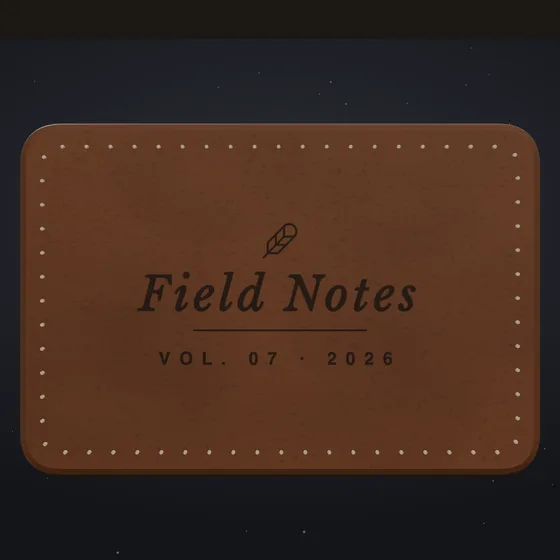 Leather patch
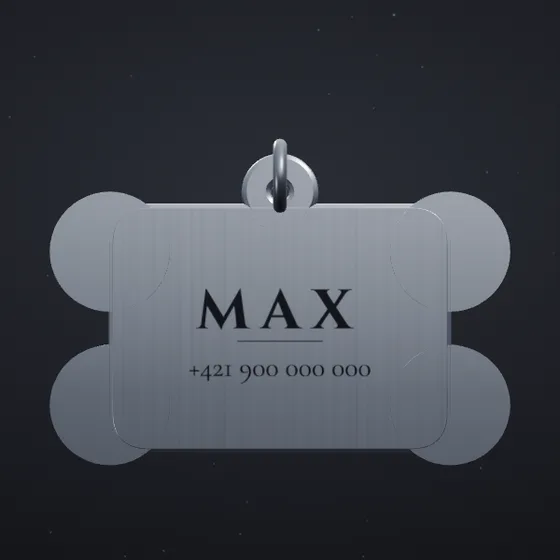 Pet tag
 Hip flask
 Award plaque
Related pages
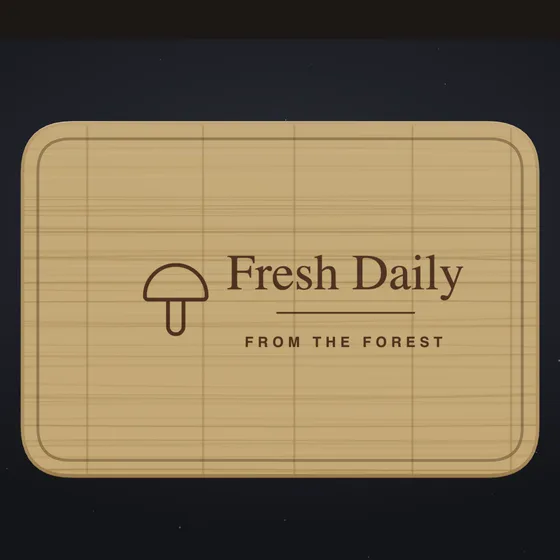 Nesting many parts on one sheet
Free to start, no account needed. Preview in 3D and export a true-size file.
Open the studio