Files for fiber laser marking
Fiber lasers mark metal directly. The design file is the same as for any laser; what changes is scale, detail and the questions to ask.

What stays the same
The studio’s laser SVG is machine-agnostic: black for the mark, a red cut outline, real millimetres. Fiber lasers read it like any other vector file.
What changes
- Scale: tags and tools are small. Check stroke widths in the 3D preview and keep small text legible.
- Process: annealing, engraving and etching give different contrast. Ask the shop what they use and design for it.
- Codes: DataMatrix and QR are common; verify them with a scanner on a test part.
Ask the shop
Minimum stroke, preferred file type, mirrored or not, and whether they want the red cut outline in the file or removed.
Blanks that suit this
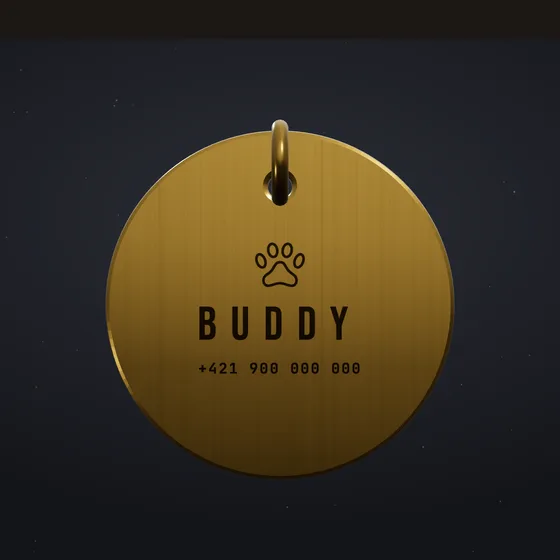
 Pet tag
 Hip flask
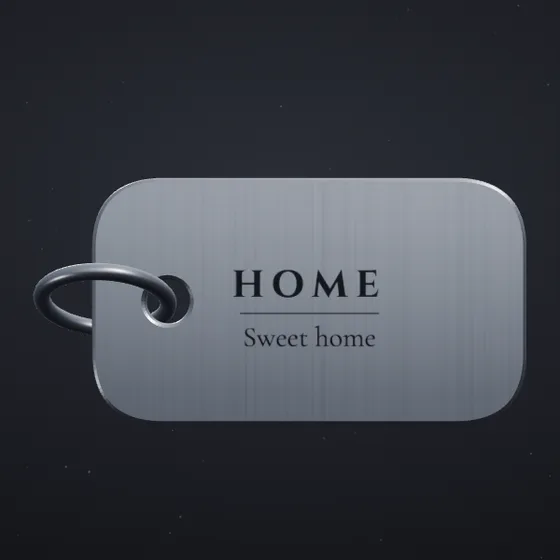 Key ring fob
Related pages
- Design an engraving for your steel bottleDesign an engraving for your steel bottle: laser-marked brushed steel. Ø 73 × 250 mm. 3D preview, true-size SVG export.
- Design an engraving for your brass tagDesign an engraving for your brass tag: etched into brushed brass. Ø 35 mm. 3D preview, true-size SVG export.
- DataMatrix codes on metalDataMatrix on metal parts and tags: why it is used, size and contrast tips, and how to place a DataMatrix code and…
Free to start, no account needed. Preview in 3D and export a true-size file.
Design for metal