A laser-ready SVG for CO2 lasers
The laser export is a plain SVG built for a machine, not for a screen. Here is exactly what it contains and what to check on the other side.
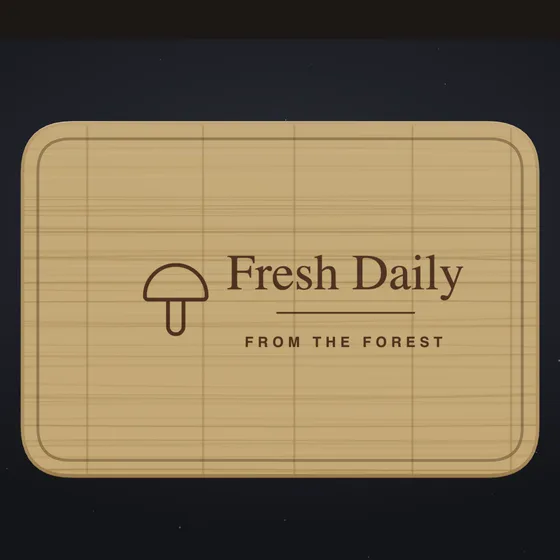
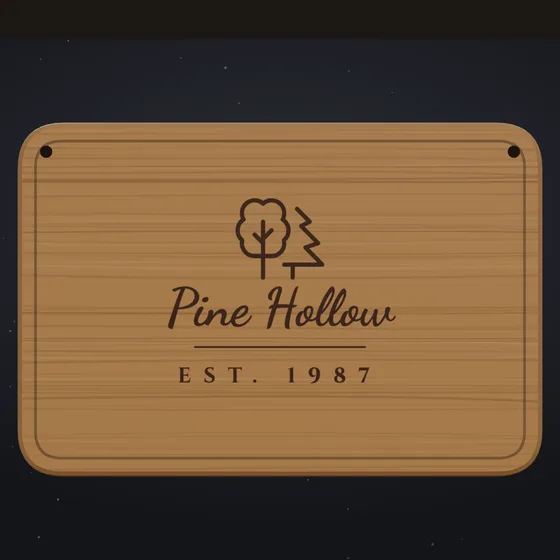
What the file contains
- All artwork rendered solid black: black means engrave.
- No background fill, so nothing prints as an unwanted fill.
- A red hairline rectangle on its own group (id “cut”) following the material’s outline and corner radius: red means cut.
- Width and height written in millimetres, so the file imports at real size.
Importing it
- Open or import the SVG in your laser software.
- Check the size against a ruler or a known dimension; if it opens at the wrong size, adjust the import resolution (DPI) setting.
- Assign an engrave operation to black and a cut operation to red, or skip the cut layer if you do not want it.
- Run a test on offcut material before the real piece.
What the studio does not do
It does not drive a machine, set power or speed, or produce G-code. Those belong in your laser software. The file is the design, sized and layered; the settings are yours.
Questions
Is the laser SVG a Pro feature?
SVG and PDF export are part of Pro. The free plan exports PNG with a watermark. Pricing lists the details.
Blanks that suit this
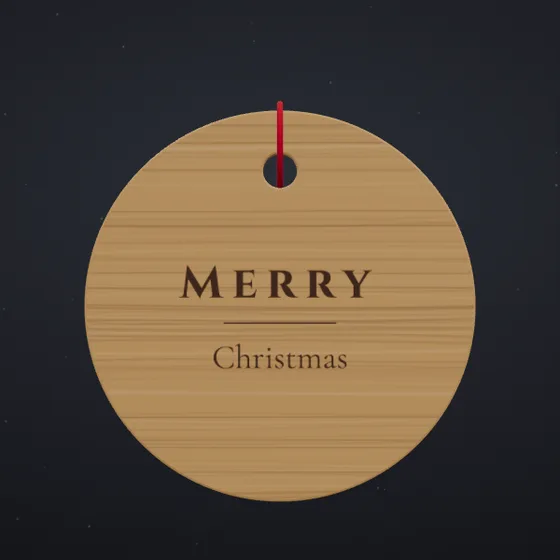 Christmas ornament
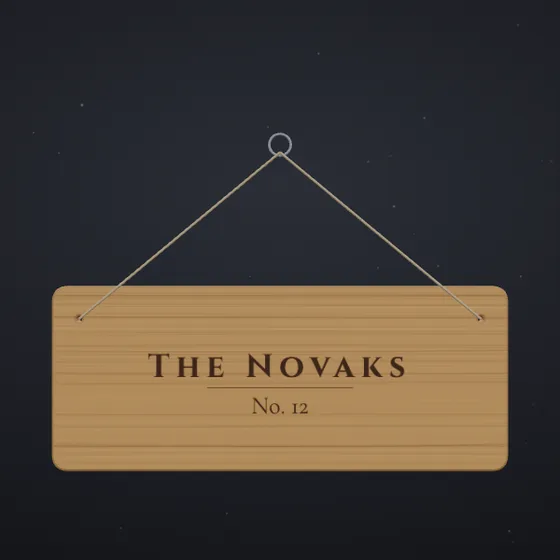 House sign
Related pages
- How to prepare an SVG for laser engravingStep by step: set up a design at true size, keep strokes above the material’s minimum, and export an SVG with engrave…
- Using the file with your laser softwareUsing Engraving Studio files with LightBurn, xTool Creative Space, Glowforge and similar software: what to check on…
 Files for fiber laser markingPreparing a design for a fiber laser: what the laser SVG provides, what to ask the marking shop and how to size small…
Free to start, no account needed. Preview in 3D and export a true-size file.
Export a laser SVG