Design an engraving for your photo pendant
A photo pendant turns a picture into a tone pattern on polished steel. The studio converts the photo to a one-bit mark (logo, dither or halftone) or a soft tone version, and the 3D preview shows how the dots catch the light. Dark Etch and Black set how dense the mark looks.
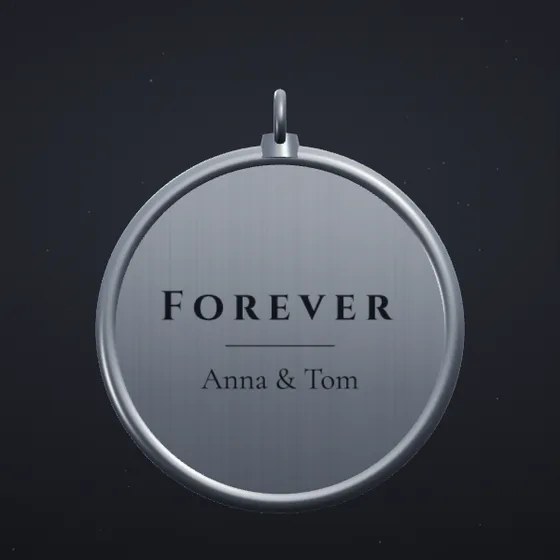
Photo pendant: a photo engraved into polished steel. Work area Ø 35 mm. Pro material.
- Work area
- Ø 35 mm
- Method
- a photo engraved into polished steel
- Finishes
- 2 to preview
- Plan
- Pro material
Finishes
- Dark EtchPreview it in 3D before you cut
- BlackPreview it in 3D before you cut
Fine lines and legibility
Photographs need contrast more than detail. On a 35 mm disc a face with a plain background, strong side light and a close crop works best; a busy group photo turns into noise. Raise the contrast slider, then compare Dither and Halftone, because halftone survives small sizes better.
What people make with it
These pendants are memorial keepsakes, a portrait of a child or a pet, a couple’s photo for an anniversary, or a small logo mark. A short date or a name can sit below the image on the same face, in a font at least 2.5 mm tall.
Design tips
Crop tight on the face before you start, keep the subject centred inside the circle and avoid very dark backgrounds, which fill in solid. Test a spare disc: the exact density depends on the laser, and it is much cheaper to adjust the contrast on one test than on the finished piece.
Engraving ideas for a photo pendant
- A memorial pendant with a close portrait and a date below it, in Halftone for the cleanest dots.
- A pet portrait pendant, cropped tight on the face against a plain background.
- An anniversary gift with a couple’s photo and a short line such as “since 2014”.
- A child’s portrait for a grandparent, with the contrast raised so the face stays readable.
- A tiny logo mark in Logo mode when you want a clean solid shape rather than a photo.
Questions
Which photos work best on a pendant?
Close, high-contrast portraits with a plain background. Crop tight, raise the contrast, and compare Dither with Halftone before exporting.
Related pages
 Design an engraving for your pet tagDesign an engraving for your pet tag: laser-marked into stainless steel. Ø 32 mm. 3D preview, true-size SVG export.
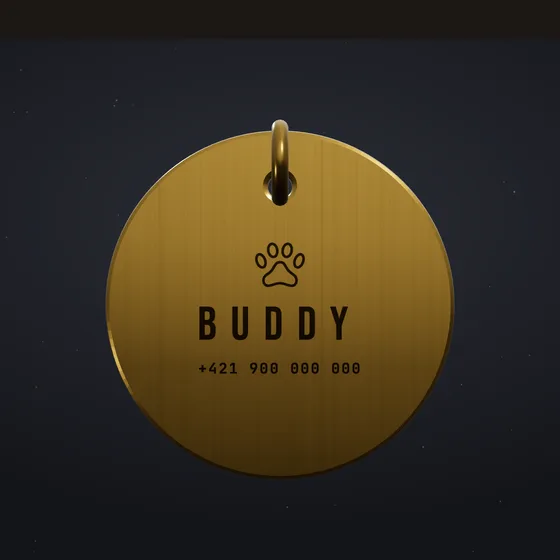 Design an engraving for your brass tagDesign an engraving for your brass tag: etched into brushed brass. Ø 35 mm. 3D preview, true-size SVG export.
 Minimum line width by materialRule-of-thumb minimum line widths for engraving by material: wood, glass, slate, metal, leather, acrylic and cork. Ask…
Free to start, no account needed. Preview in 3D and export a true-size file.
Design on your photo pendant